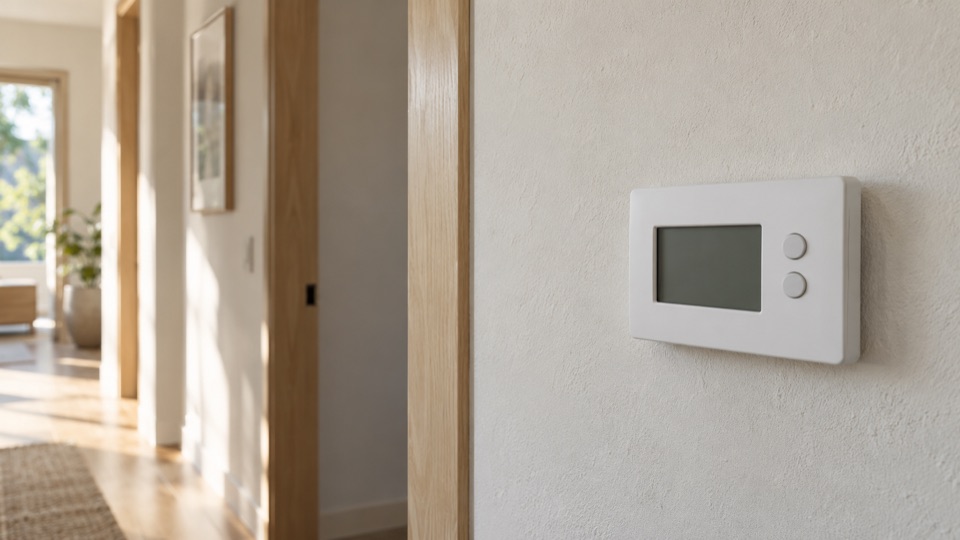
Who controls the heating setting in my island unit?
Start with the control inside the occupied unit. An owner, manager or phone app may also change the schedule. Check those settings before calling the wall control faulty.
Record the symptom
Write down the selected mode and target at the wall. If a phone app differs, record both readings and when you saw them. Avoid deleting the account or resetting the thermostat to make them agree.
Explain whether the unit was occupied when the fault appeared. If you are arriving after an absence, distinguish what you observed today from what a remote screen reported earlier. Do not treat an old app reading as current room temperature.
Plan the access
In a managed building, ask who can approve a new wall control. It may be the owner or association. If the heating unit is outside the apartment, ask who can grant access to it.
The island name does not tell you which building office applies. Use the street address if the work expands to wiring or equipment. County island districts extend beyond the city limits.
Define the repair decision
Ask whether the issue is a schedule or access setting, a setup mismatch, a lost heat request or a fault at the equipment. A replacement thermostat should address a demonstrated defect.
If a new control is agreed, decide who will own its account. Ask how the schedule and other users’ access will transfer. Keep passwords out of a general repair call.
Questions about this repair
Should I remove a previous owner from the app myself?
Follow the product ownership-transfer process and the property agreement. First keep any useful settings or fault details; do not bypass an account or installer lock.